Preview & share HTML
HTML Viewer Online
Open your proposal, report or webpage in your browser. When it’s ready, publish a link for clients or colleagues.
Your file starts here
See your HTML as a page.
Open an .html or .htm file, or paste your code.
Free preview. No account required.
Previewing does not publish your file. You choose when to share.
From file to link
Preview. Publish. Send.
01 / In your browser
Check the page
Upload an .html or .htm file, or paste your HTML. Inspect the live preview alongside the code and make any edits.
02 / When it’s ready
Publish & Share
Sign in to publish. After the upload passes its checks, copy its public link.
03 / With your recipient
Send the link
Your client or colleague opens the page without a Linkyhost account.
Ready for the recipient
Your work.
Their browser.
Give a finished HTML page a simple way to reach someone else.
A page they can open
Publish your HTML as a webpage. Recipients open the link in their browser.
A link you can send
Put it in your client email, project message or meeting notes.
A presentation that feels yours
Remove Linkyhost branding with Pro. Add your own domain when you need it.
A closer look
For the work you need someone to open.
Preview the HTML you have already made, then publish a page for your client or colleague.
- 01
Client website previews
Send a homepage or pricing-page revision for your client to review in their browser.
- 02
Proposals and presentations
Share your recommendation, scope or commercial offer as a page the recipient can open.
- 03
Reports and briefs
Publish a monthly update, project summary or technical brief for the people who need it.
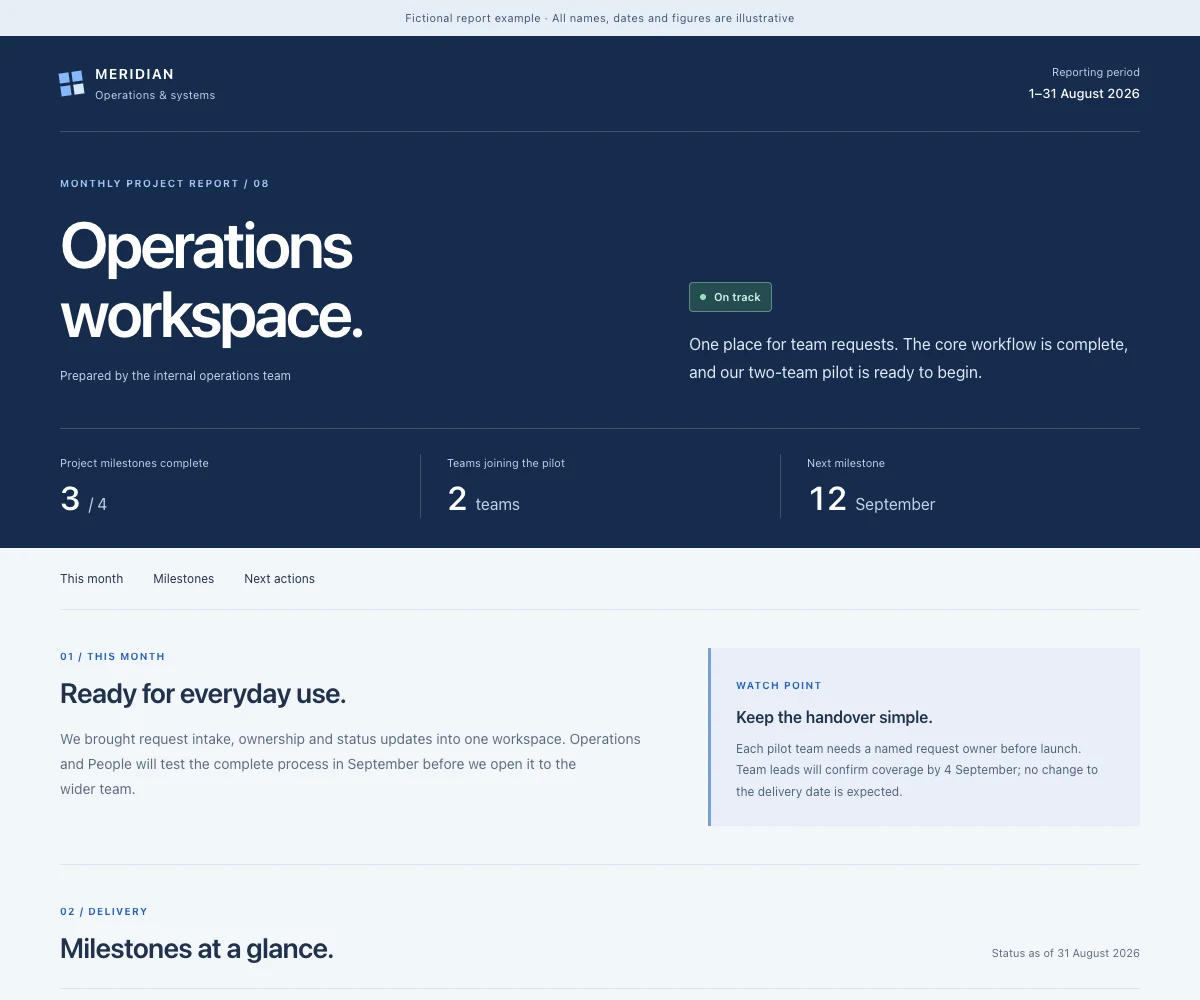
A monthly update, ready for the team.
A working HTML report. Fictional team and illustrative content.
Open report example (opens in a new tab)For work you send regularly
Ready to send. Easy to keep current.
Remove Linkyhost branding with Pro. When your proposal or report changes, replace the HTML file at the same link. Add your own domain when you need it.
$12 / month
or $60 billed annually
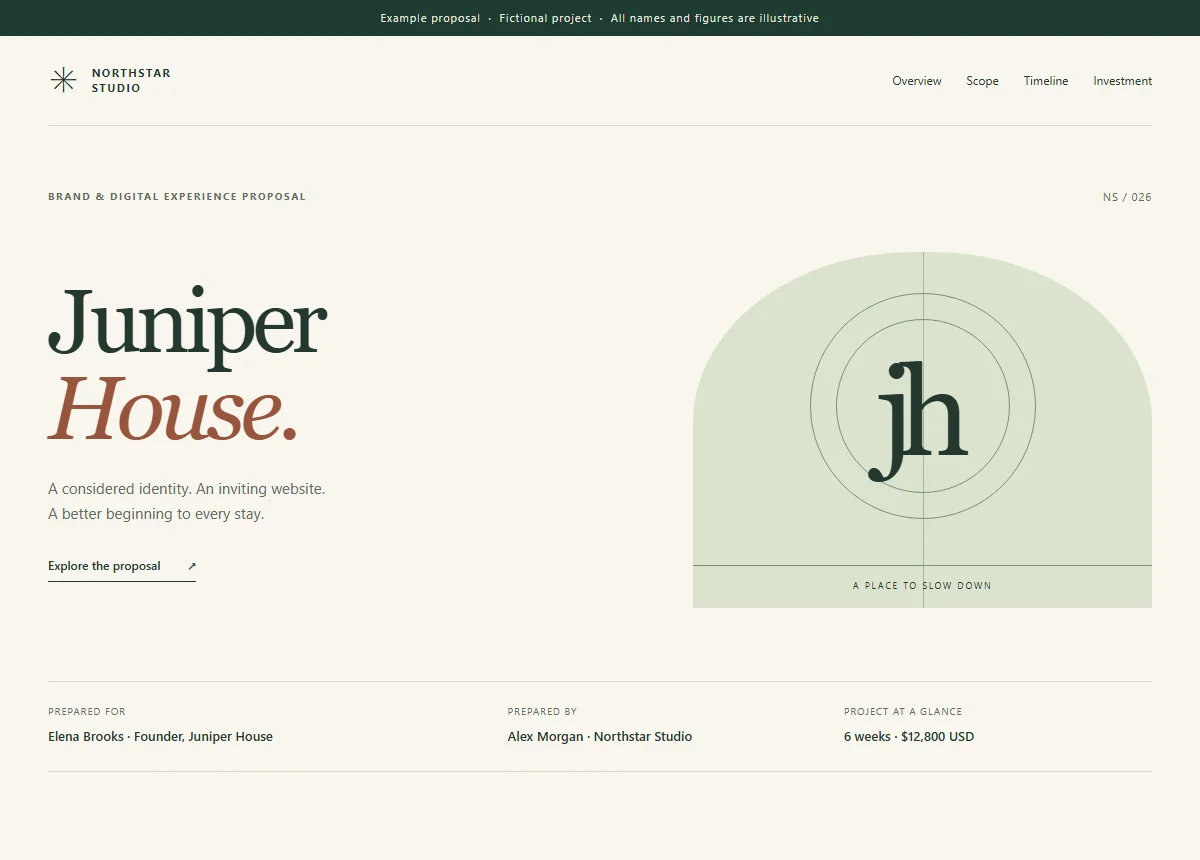
Your proposal, published on a Linkyhost address.
Open Free exampleNo Linkyhost branding · Optional custom domain
Open Pro exampleSame proposal, two ways to share it. Open either example to see the live page.
- Remove Linkyhost branding
- Update an HTML file at the same link with Pro
- Publish more files
- Use your own domain
- Add password protection
Revised the scope or corrected a figure? Replace the hosted HTML file from your dashboard with Pro, then check the updated page at the link you already sent.
Before you send it
A few useful answers.
Does opening my file make it public?
No. Previewing does not publish your HTML. Publish & Share uploads it for checks and hosting. Once published, anyone with the public URL can open it unless you add password protection on Pro.
Do my clients need an account?
No. Recipients open the published link in their browser. You need an account to publish.
Which HTML files can I open?
Upload an .html or .htm file, or choose Paste code to enter an HTML snippet. The preview supports inline CSS and JavaScript and can load assets from public URLs. Files stored alongside the HTML on your computer are not uploaded with it.
Will the published page match my preview?
Publishing follows your plan’s rules. Free HTML publishing removes JavaScript and restricts external links, so the result can differ from your browser preview. Use a supported Pro website ZIP for client-side JavaScript or multiple local files, and check the published page before sending.
Can I remove Linkyhost branding?
Yes, with Pro. You can also connect your own domain. A custom domain is optional.
Can I update a page after sharing it?
Yes. With Pro, open Manage for the link in your dashboard, choose Replace File, and select the new HTML file. After publication checks complete, check the updated page at the same URL. Earlier versions are not retained, so keep your own copy. This replacement control supports individual HTML files, not whole ZIP websites.
What can I publish for free?
Free includes 1 hosted upload, up to 10 MB, and 200 monthly views with a 250-view cutoff. Opening, editing and previewing HTML is free and does not require an account. Publishing requires an account.
Can I see whether the link gets visits?
Yes. On Pro and Business, link analytics show recorded visits and estimated visitors. They do not identify a reader or prove that someone read the document.
Ready to send
Have the HTML ready?
Open it, check it, then give it a link.